Air Media Player

  • Home
  • Download
  • Help
    • How to Play Videos
    • How to Play DVDs
    • How to Add Subtitles to Videos
    • How to Change Playback Speed
    • Advanced >
      • How to Save Videos in Different Formats
      • How to Customize Air Media Player
      • How to Play URLs and Media Streams
      • How to Make Air Media Player the Default Media Player
  • Contact
  • Home
  • Download
  • Help
    • How to Play Videos
    • How to Play DVDs
    • How to Add Subtitles to Videos
    • How to Change Playback Speed
    • Advanced >
      • How to Save Videos in Different Formats
      • How to Customize Air Media Player
      • How to Play URLs and Media Streams
      • How to Make Air Media Player the Default Media Player
  • Contact

How to make Air Media Player the default media player

To make Air Media Player the default media player, follow the correct instructions for your version of Windows.
Windows XP
Windows XP​
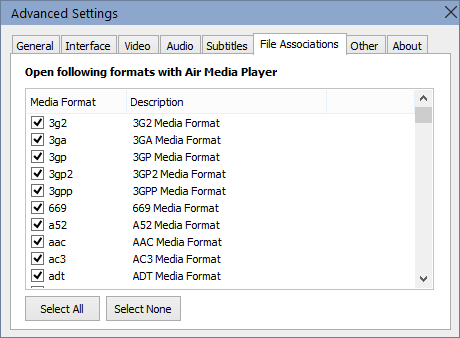
Open the settings window and go to the 'File Associations' tab.
  • Click 'Set As Default Media Player' if you want Air Media Player to automatically play all video formats.
  • Otherwise, click 'Manually Choose Formats to Play​' to select specific formats to play with Air Media Player. A list of available formats should appear where you can select the media formats you prefer to open with Air Media Player.
Simply close the settings window and the changes will take effect.
Format Associations

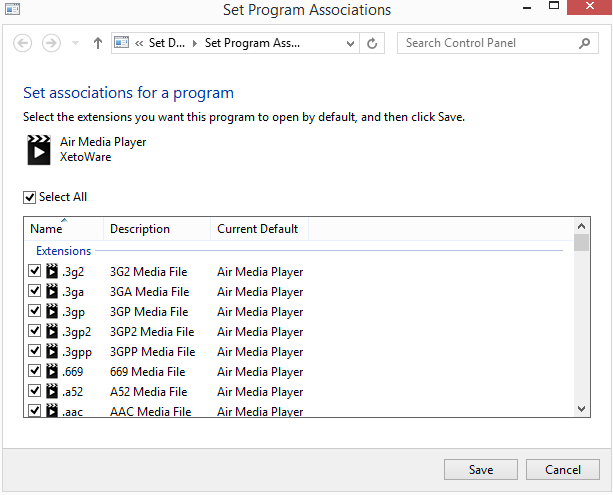
Set format associations on Windows 8
Windows Vista, 7, 8 and 8.1
Open the settings window, and go to the 'File Associations' tab. Click 'Set As Default Media Player'. A window, with a list of extensions should pop up. If you want Air Media Player to play all media formats, click the 'Select All' checkbox, otherwise, manually go through the list of formats, and check only the ones that you want Air Media Player to open by default. After you are done choosing the formats to associate with Air Media Player, click '​Save'.
Default Media Player

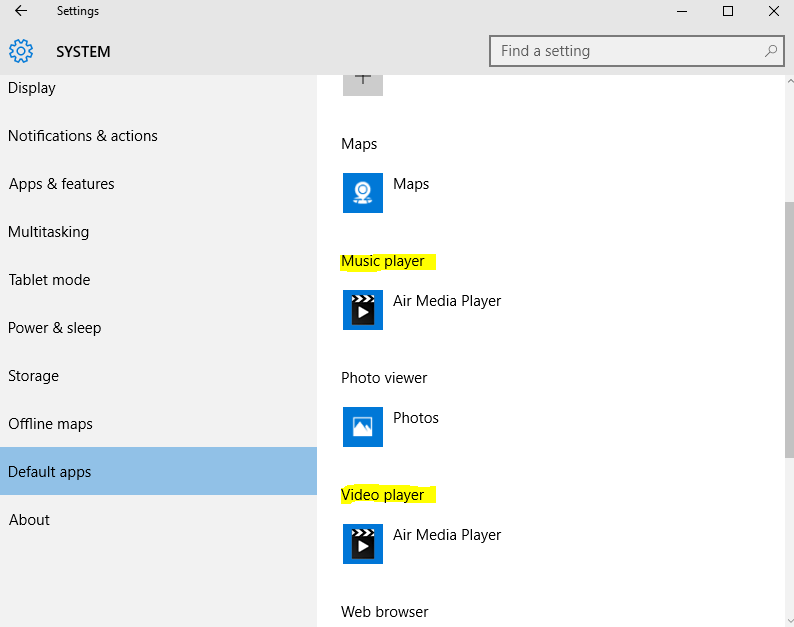
Set format associations on Windows 10
Windows 10​
  • Click on the Start button and then choose Settings.
  • Click on System
  • Click on Default Apps.
  • Change the option in Video Player and Music Player to Air Media Player.
Default Video Player

Home

Download

Help

Contact

Copyright Air Media Player © 2017